Top Bestselling
Virtual Gear VR
Student
Essentials

Small & Enterprise
Networking Gear
Services
Networking Gear
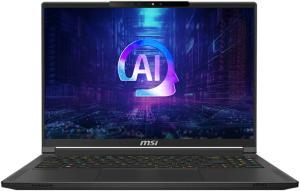
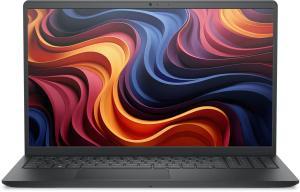
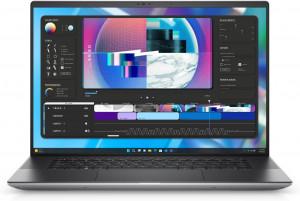
Professional IT Solutions & Equipment
Need IT Equipment or Solutions?Get Your Custom Quote!
Serving businesses with professional IT solutions since 2020
Shop by Categories
Discover our extensive range of premium tech products, carefully curated for every need and budget.




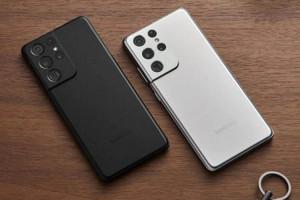
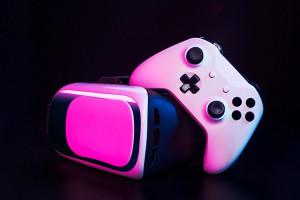
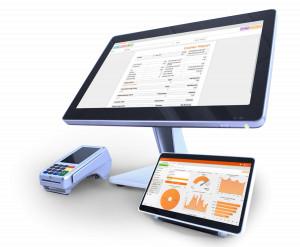


HP

LENOVO

DELL

APPLE

ASUS

MSI

ZEBRA

Fortinet

ACER

Samsung

Microsoft

LOGITECH



LATEST ELECTRONICS
Explore premium Camera, POS machines & more
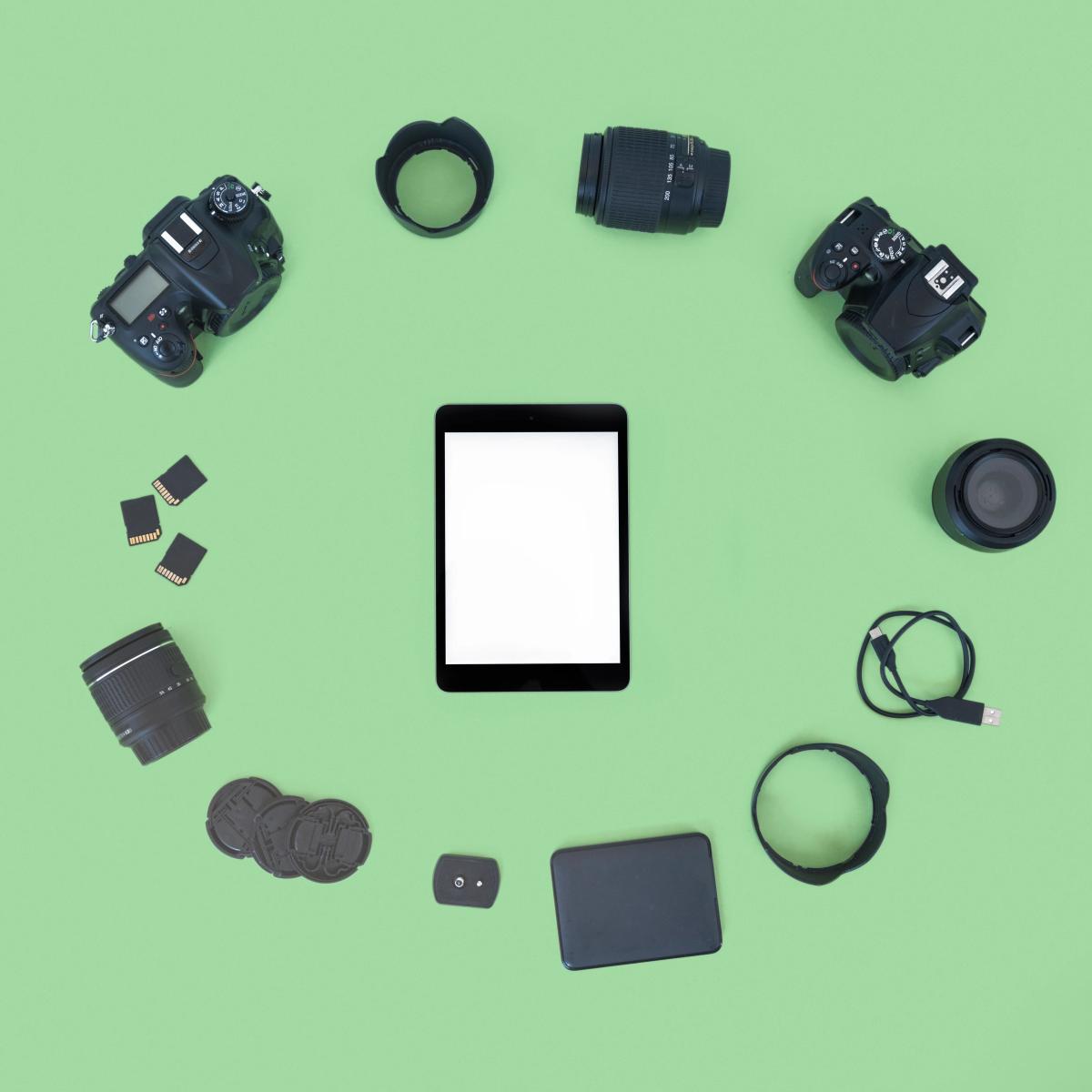
camera

E-Commerce Development
Developing custom e-commerce solutions that provide seamless shopping experiences, secure transactions, and robust scalability.
Learn MoreDatabase Development
Designing and implementing efficient database solutions that ensure data integrity, scalability, and high performance.
Learn MoreMobile Development
Creating high-performance mobile applications for Android and iOS platforms with intuitive design and smooth performance.
Learn MoreGraphic Design
Designing engaging user interfaces and experiences, as well as crafting visually appealing digital marketing materials.
Learn MoreMaintenance & Support
Providing ongoing maintenance and support services to ensure your software, systems, and applications remain secure and up-to-date.
Learn MoreWhat Our Customers Say
Don't just take our word for it. Here's what real customers have to say about their experience with ExcelDisc.
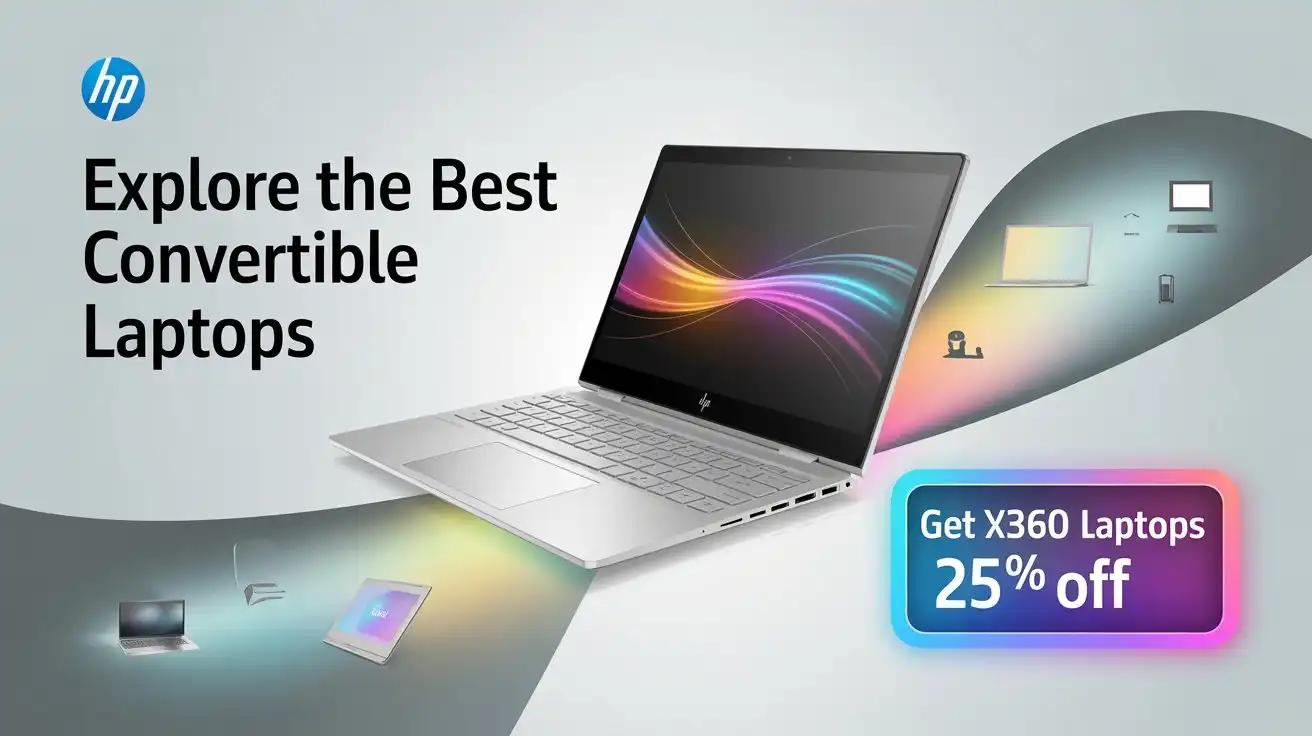
HP ENVY Laptops in 2024: The Complete Review
The 2024 HP ENVY laptop redefines creativity and performance with its sleek design and robust capabilities. Featuring cutting-edge 13th Gen Intel® Core™ Ultra processors and up to NVIDIA® GeForce RTX™ 4060 graphics, it's a perfect choice for professionals in design, video editing, and 3D modeling. Its stunning OLED 2.8K display offers vibrant, true-to-life colors, making it ideal for creative projects, while the ergonomic build ensures comfort and portability. With up to 2TB PCIe Gen 4 SSD storage, premium build quality, and versatile connectivity options, the HP ENVY balances style and substance, catering to those who demand excellence.
HP ZBook Power 16 G11 (2024): Premium Design Meets Powerful Performance
The HP ZBook Power 16 G11 (2024) is a feature-packed mobile workstation designed for professionals needing high performance and reliability. With its sturdy build, large high-resolution display, powerful internals, and advanced connectivity, it caters to engineers, architects, and creatives. Enhanced security features and long battery life make it a trustworthy companion for on-the-go productivity.
A New Contender: HP Spectre 14 (2024) Challenges the MacBook Pro’s Reign
The HP Spectre x360 starts strong in the PCMark 10 benchmark, achieving an impressive score of 5,721. This score surpasses many older and similar devices, showcasing the power and efficiency of its configuration. It also outperforms last year’s Intel Core i7-1360P, which was commonly used in many Windows 2-in-1 laptops, highlighting the Spectre x360's edge in terms of overall performance. This strong result emphasizes its capability to handle everyday tasks and more demanding workloads with ease, making it a solid choice for users seeking a balance of power and portability.
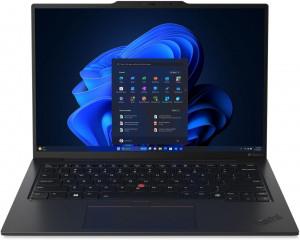
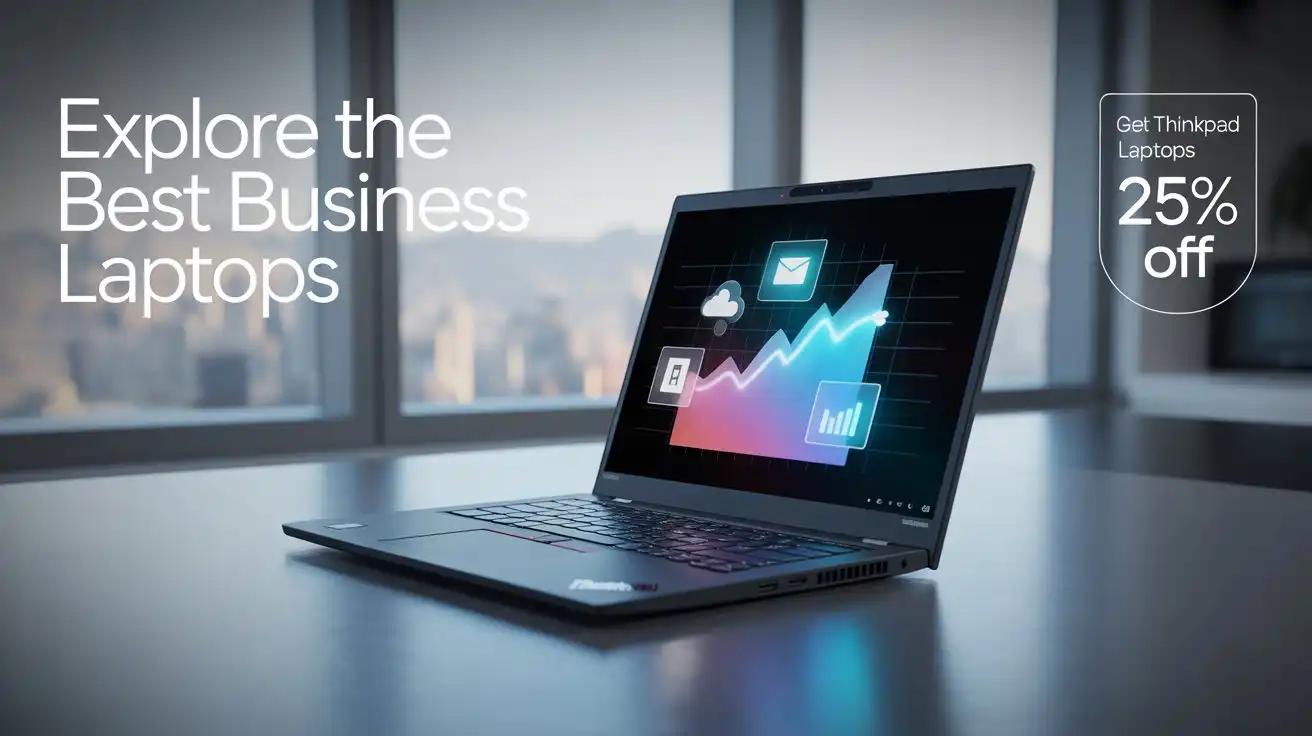
Lenovo ThinkPad T14 Gen 5 (2024) Review: Quiet, Efficient, and Built to Last
The Lenovo ThinkPad T14 Gen 5 (2024) features a rigid build and good overall performance, ensuring durability and reliability. The fan operates quietly even during long 100% CPU loads in “Best Performance” mode, while the display is PWM-free, offering comfortable viewing angles with a 16:10 aspect ratio and 445 nits of maximum brightness. The 5MP web camera includes a privacy shutter, and the laptop comes equipped with modern ports, including 2x Thunderbolt 4 and Gigabit LAN. Its comfortable keyboard and touchpad, combined with 2x SODIMMs, make it user-friendly. Optional features include vPro CPU, an IR web camera, fingerprint reader, Nano-SIM card slot, Smart card reader, Wi-Fi 6E, and NFC. The Core Ultra 5 125U processor maintains strong performance, with a 2.68 GHz / 2.36 GHz P and E-core clock in long stress and a quiet 2.15 GHz / 1.80 GHz frequency in “Balanced” mode. The bottom plate is easily removable, and the SSD (SAMSUNG PM9C1a) is fast and well-cooled. High-resolution IPS and OLED display options further enhance the viewing experience. Additionally, the laptop offers very long battery life with the optional 52.5Wh battery, lasting around 17 hours of video playback. The lid can be opened easily with one hand, adding convenience.